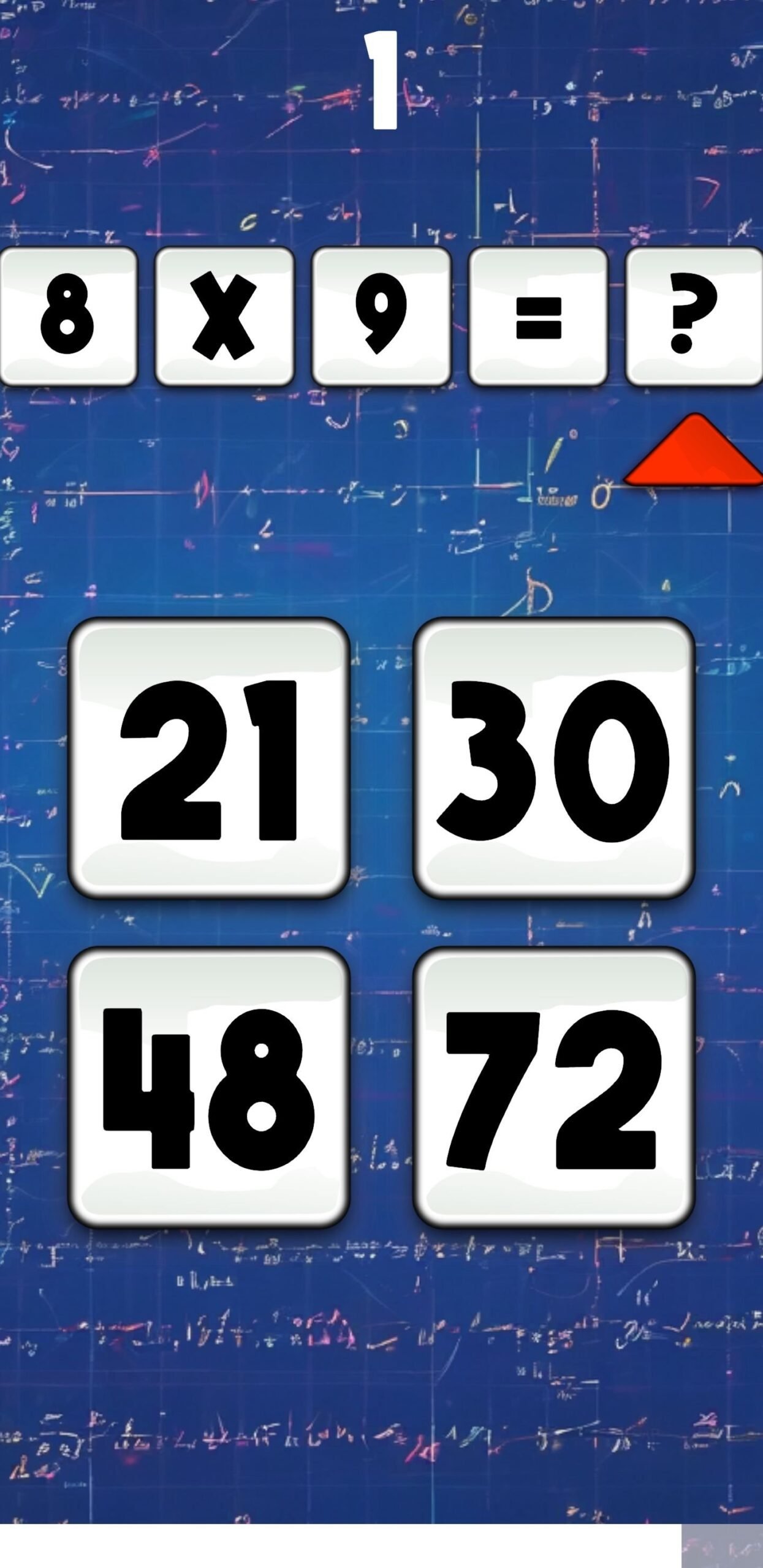
Calculation Conquest – Unity
Category :
Category Unity
Tag Calculation Conquest - Unity
Platform :
iOS 9.1.x, iOS 9.2.x, iOS 9.3, iOS 10, iOS 11, iOS 12, iOS 13, iOS 14, iOS 15, Android 4.4, Android 5.0, Android 6.0, Android 7.0, Android 8.0, Android 9.0, Android 10.0, Android 11.0, Android 12.0, Unity 2020, Unity 2022, Unity 2023, Unity
Framework :
Category Unity
Tag Calculation Conquest - Unity
Support 24X7
CONTACT US FOR ANY TYPE HELP MY TELEGRAM : @POCKETFRIENDLYCODE MY TELEGRAM : @SCENE6T EMAIL : SCENE4T12300000@GMAIL.COM WHTASAPP : +44 7446132733 TEAMS / SKYPE : live:.cid.9e50fee5a295dfcd TEAMS / SKYPE : live:.cid.32054c680559a45d DISCORD : SCENE4T.
$11.00
Product details
Made possible by exploring innovative molded plywood techniques, Iskos-Berlin’s Soft Edge Chair blends strong curves with extreme lightness to create a three-dimensionality not usually possible with 2-D plywood.
Description
Overview
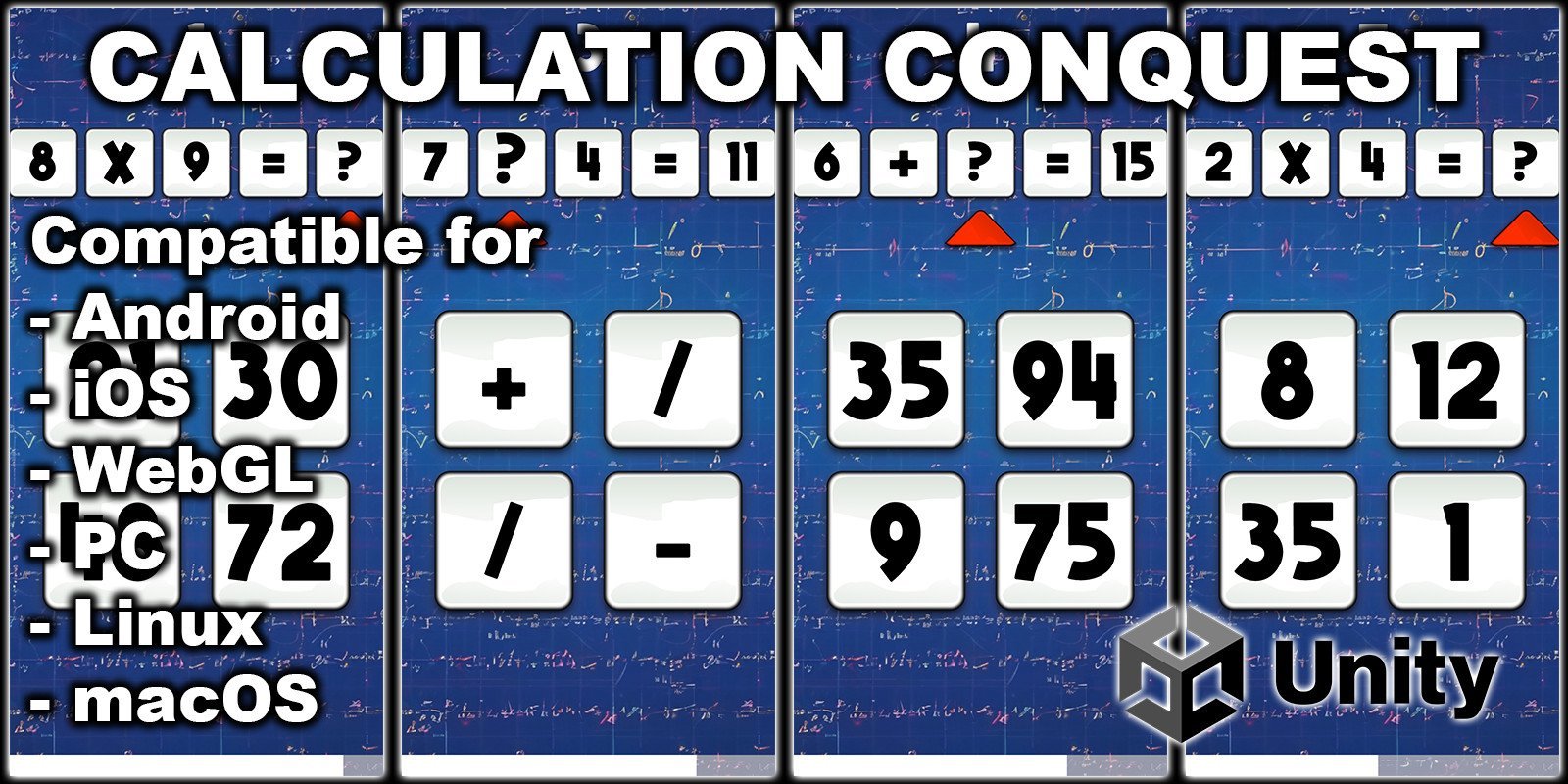
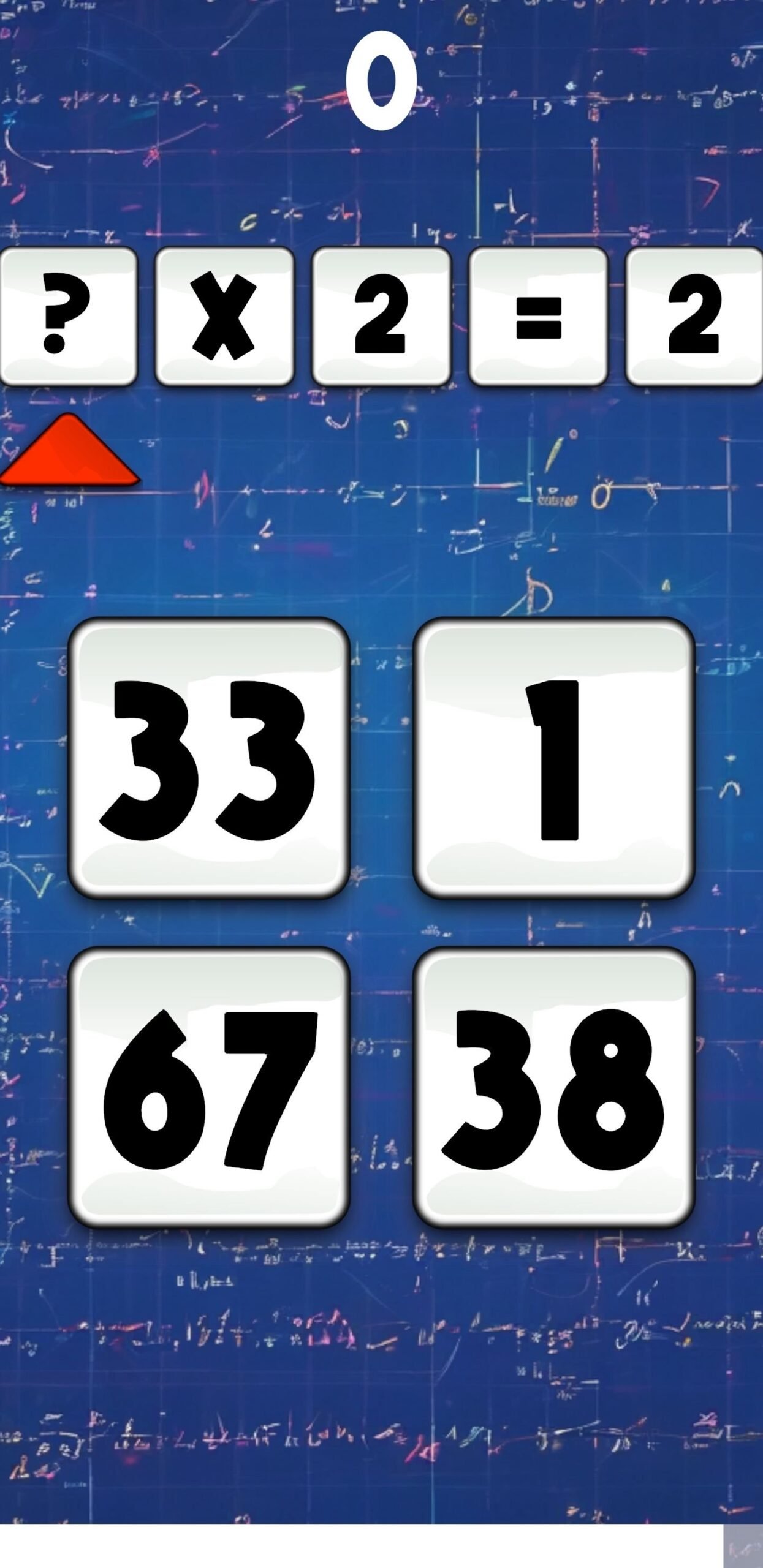
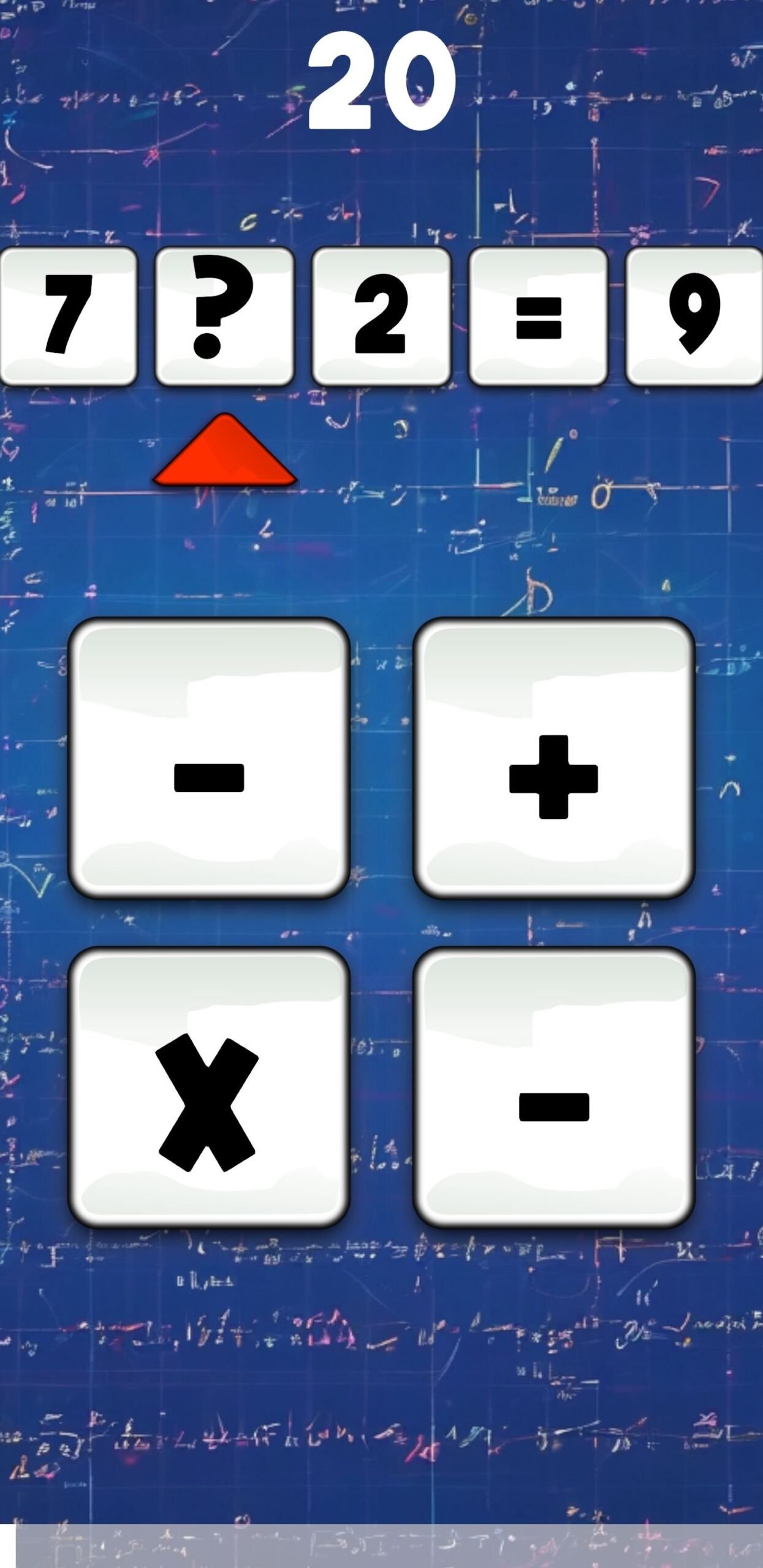
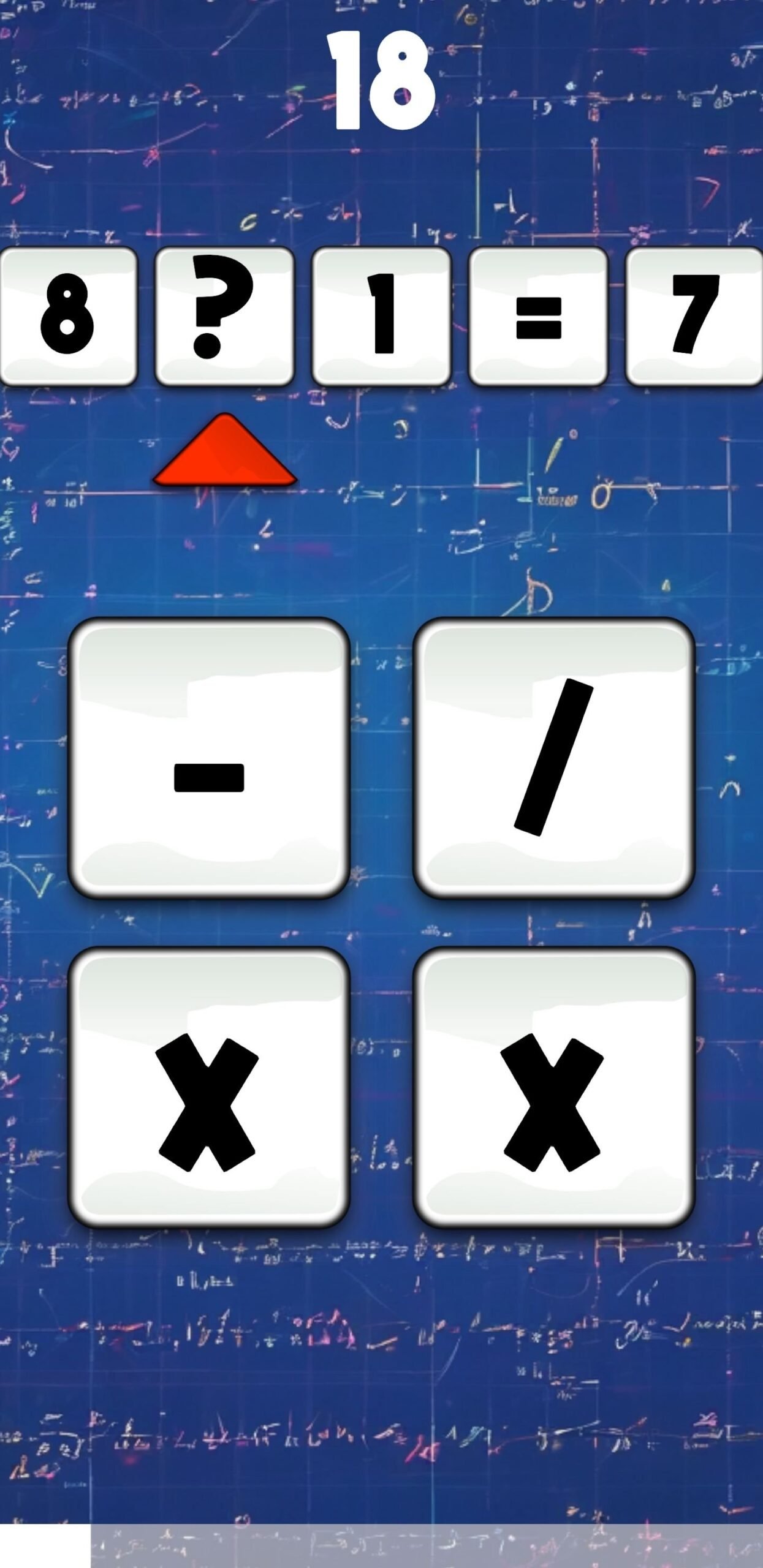
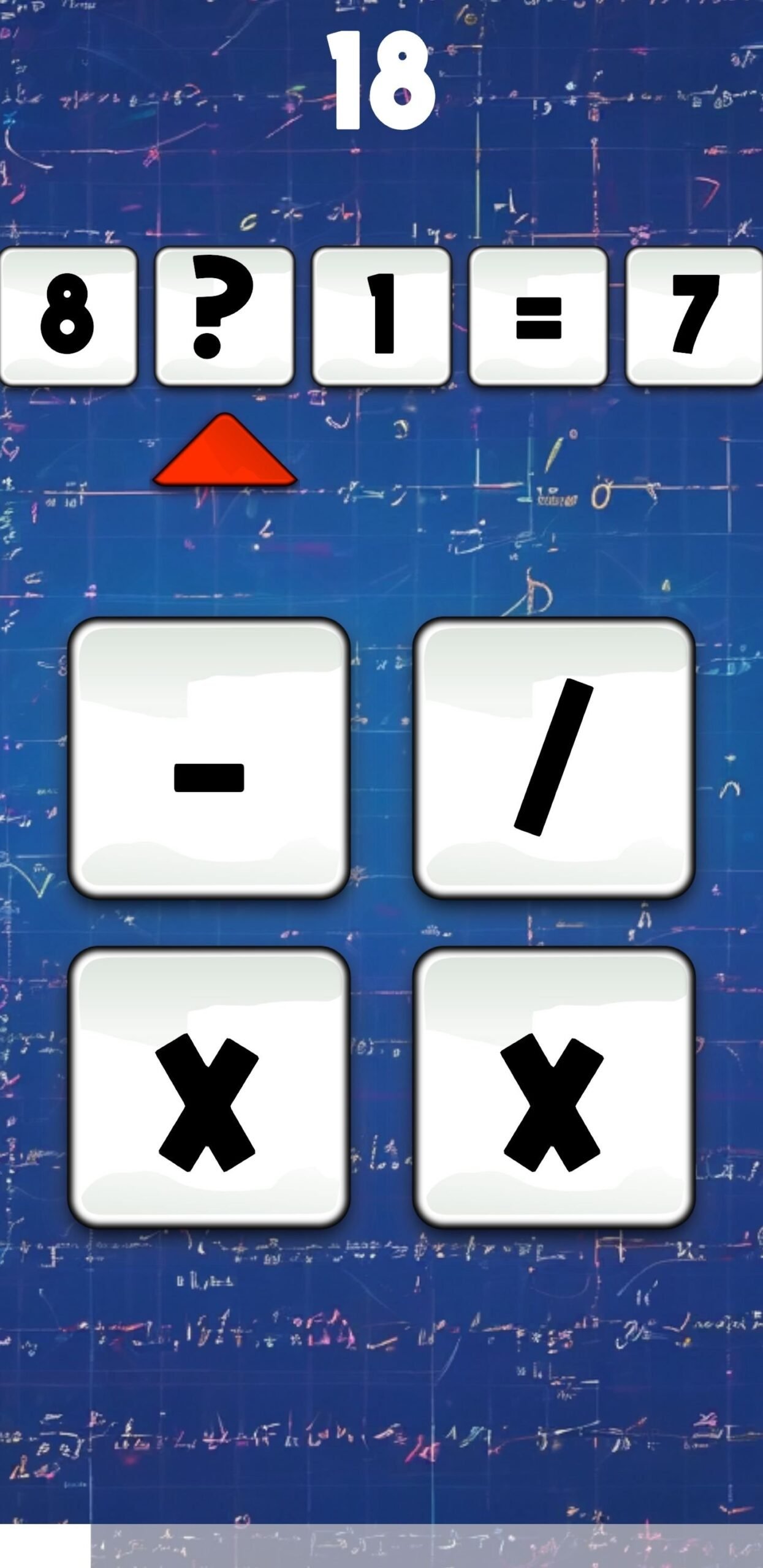
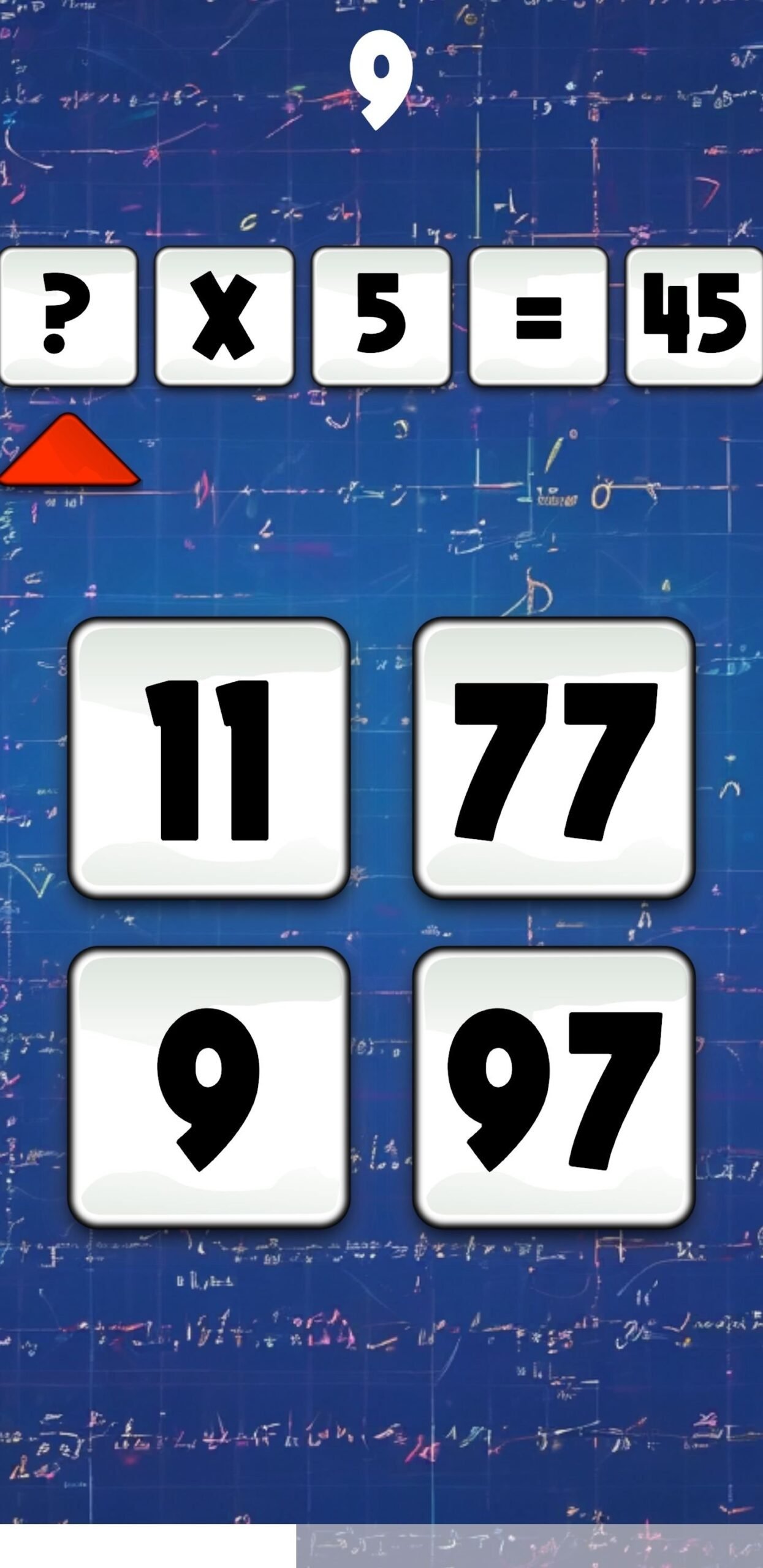
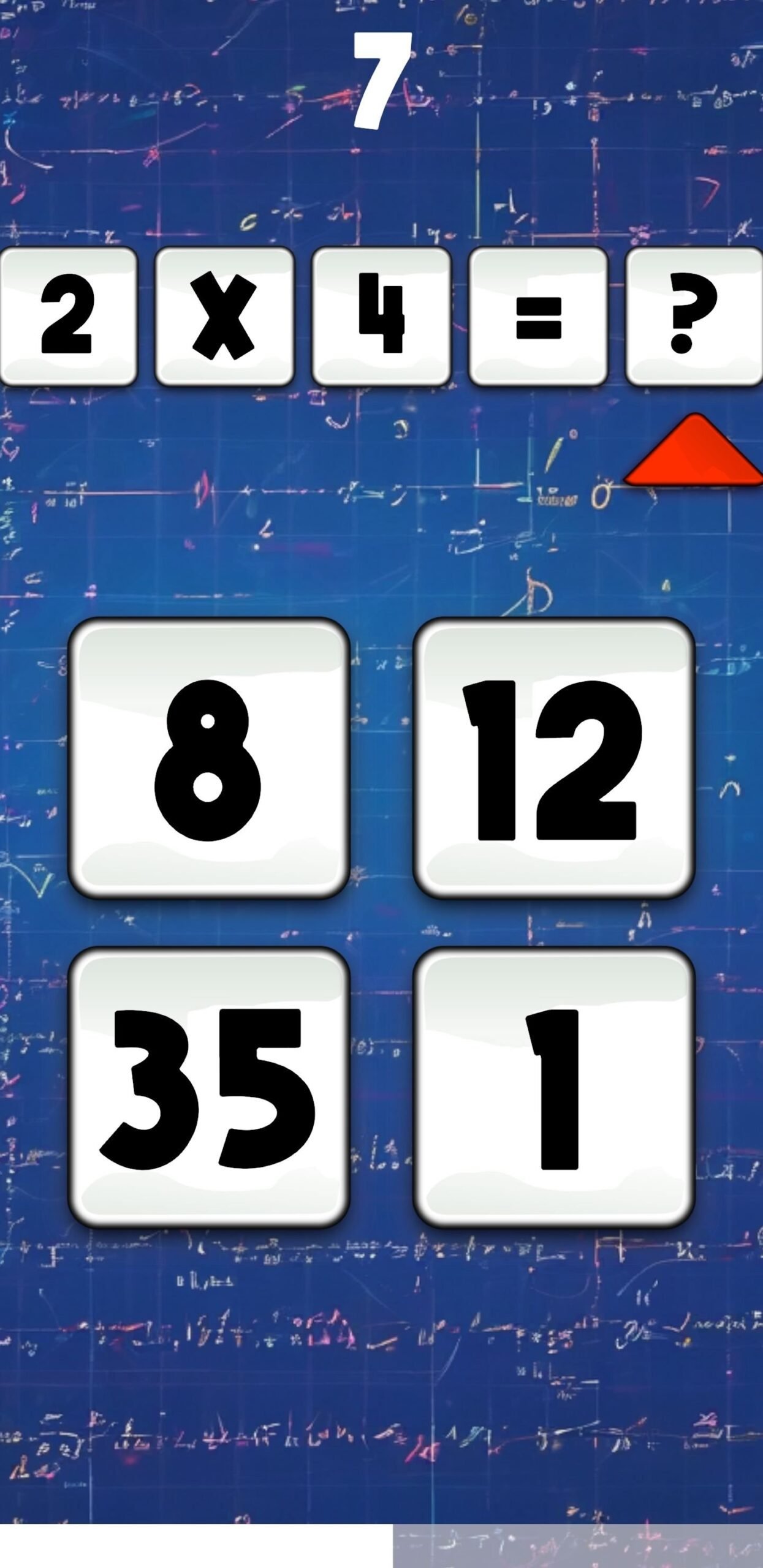
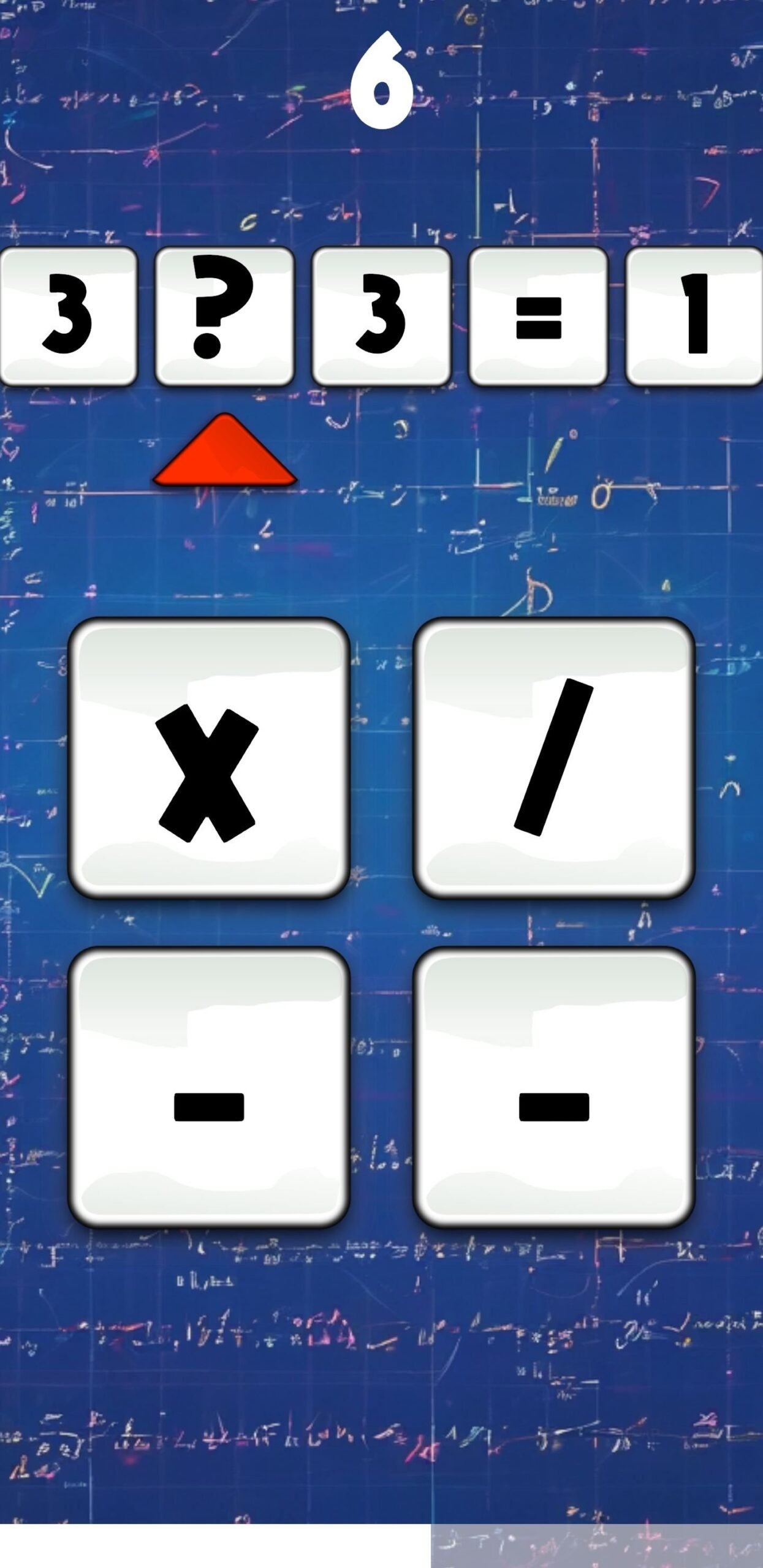
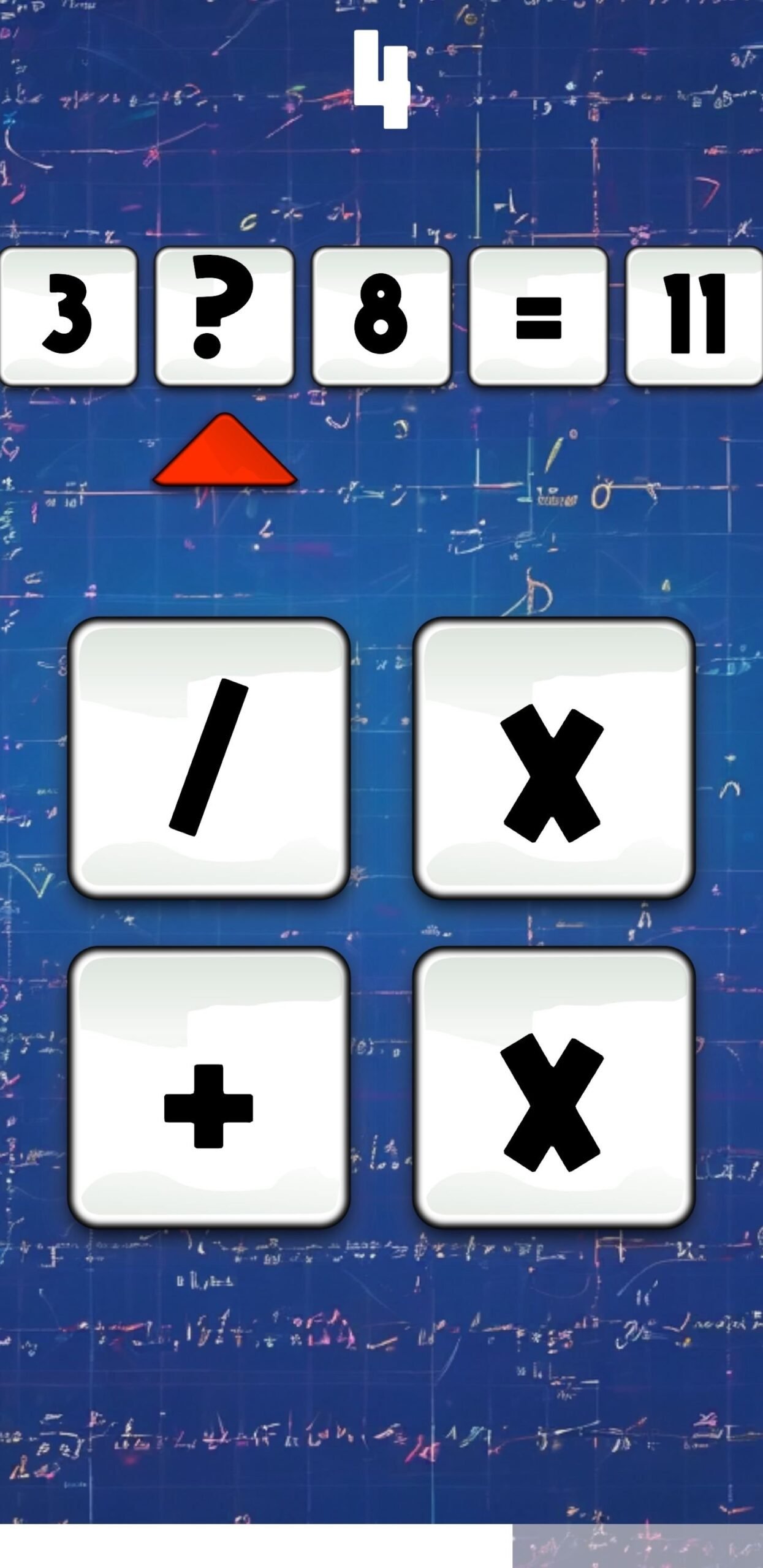
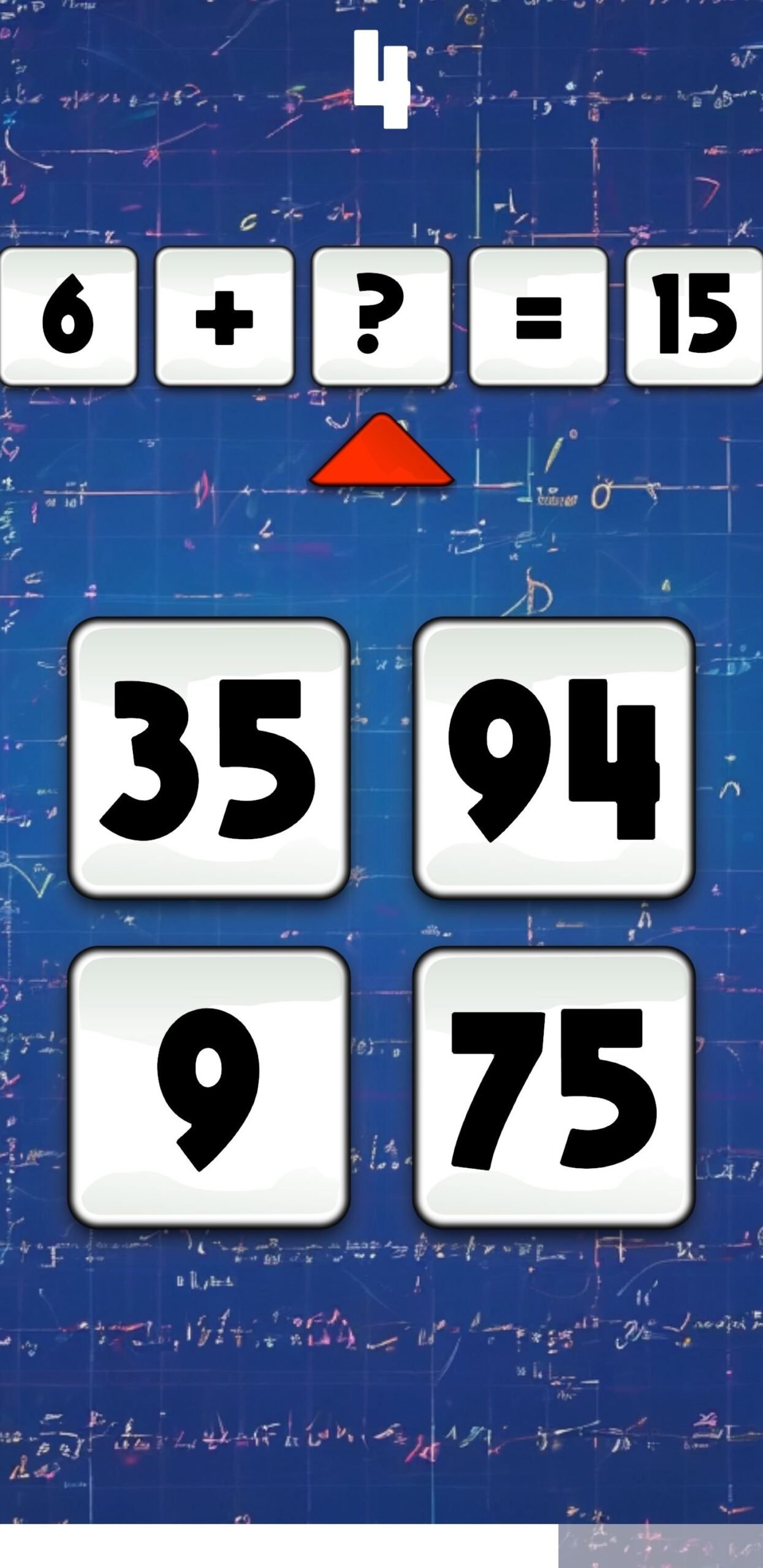
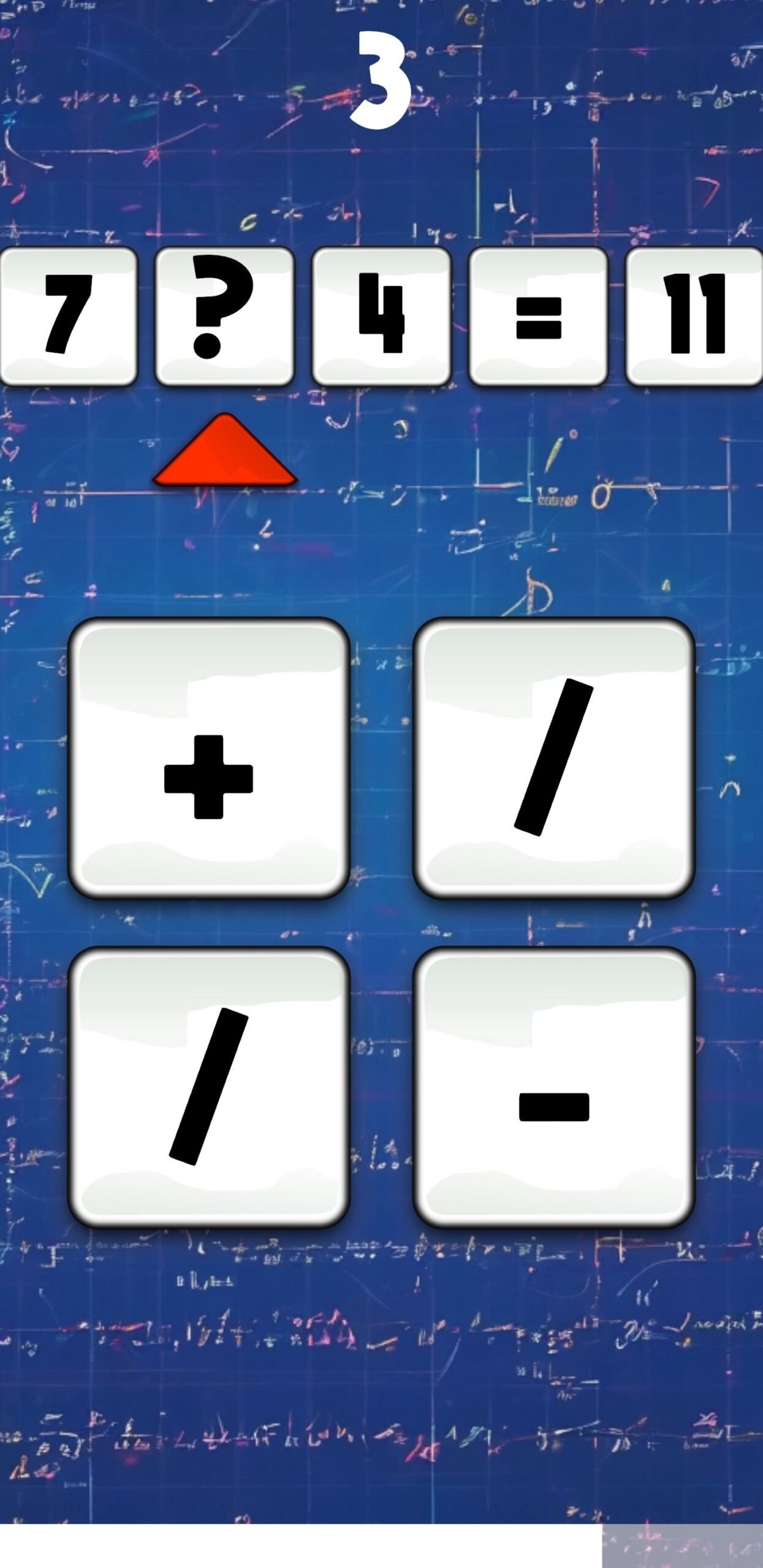
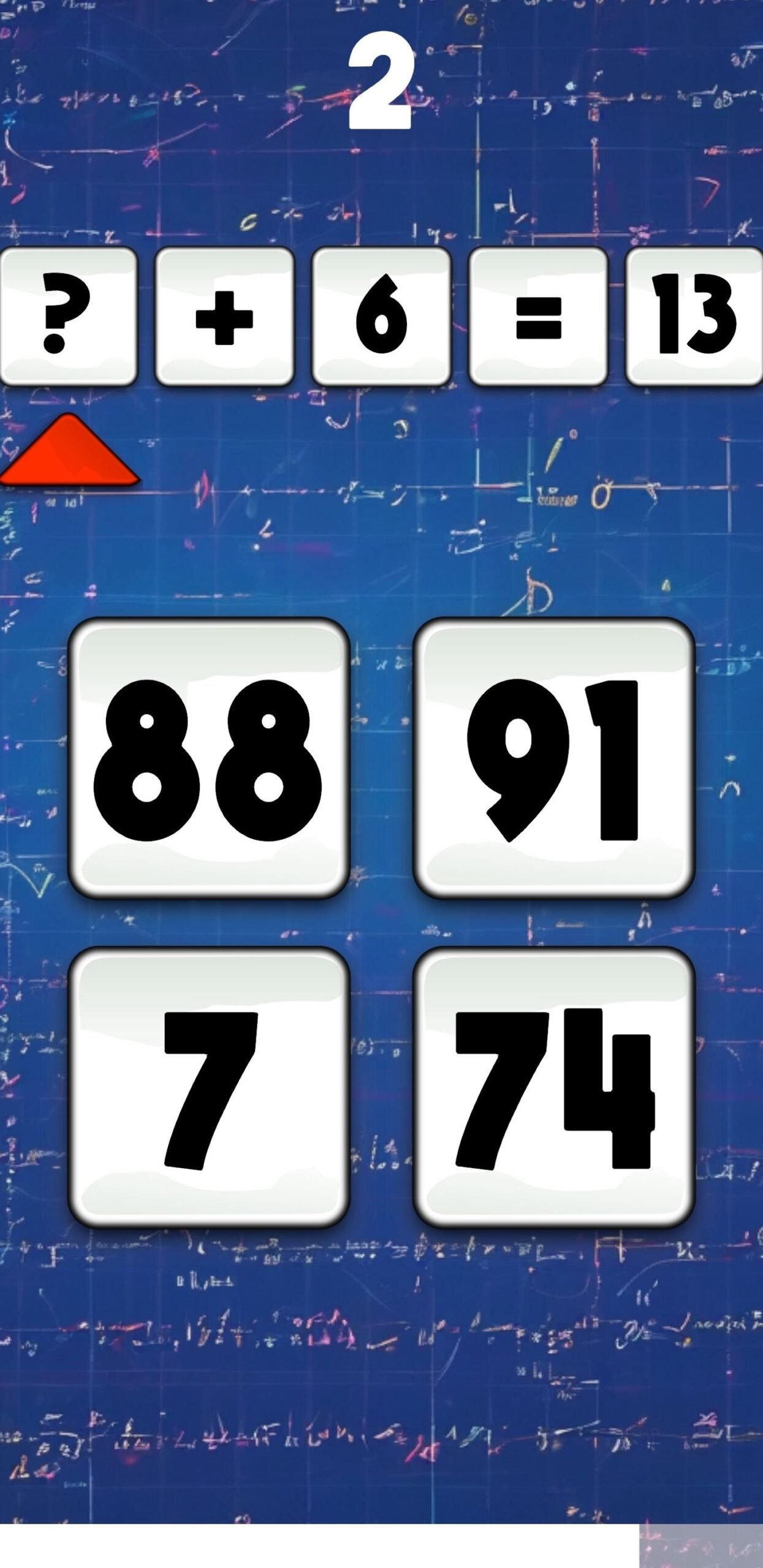
Embark on a thrilling algebra challenge with our simple yet engaging game! Test
your skills against the clock as you solve a variety of algebra problems within 60
seconds. Aim for the highest score to climb the leaderboard and prove your
mastery. Compete against friends and players worldwide in this fast-paced
algebraic adventure – how high can you score in just one minute?
Features
- Easy to reskin
- Ready for release
- Compatible for android, iOS, WebGL, PC
Requirements
Requires Unity 2022.3.21 or newer
Instructions
- Unzip the downloaded file.
- Open Unity Hub.
- In the Unity Hub, go to ‘Projects’ and select ‘Add’. Choose the unzipped folder.
- Once the project is added, locate the ‘MainMenu’ scene within the ‘Scenes’ folder.
- Open the ‘MainMenu’ scene to load the entire project and ensure everything is set up correctly.
Customer Reviews
Rated 0 out of 5
0 reviews
Rated 5 out of 5
0
Rated 4 out of 5
0
Rated 3 out of 5
0
Rated 2 out of 5
0
Rated 1 out of 5
0
Be the first to review “Calculation Conquest – Unity” Cancel reply


Reviews
Clear filtersThere are no reviews yet.