




Description
Features
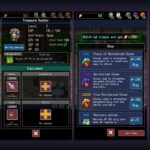
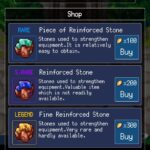
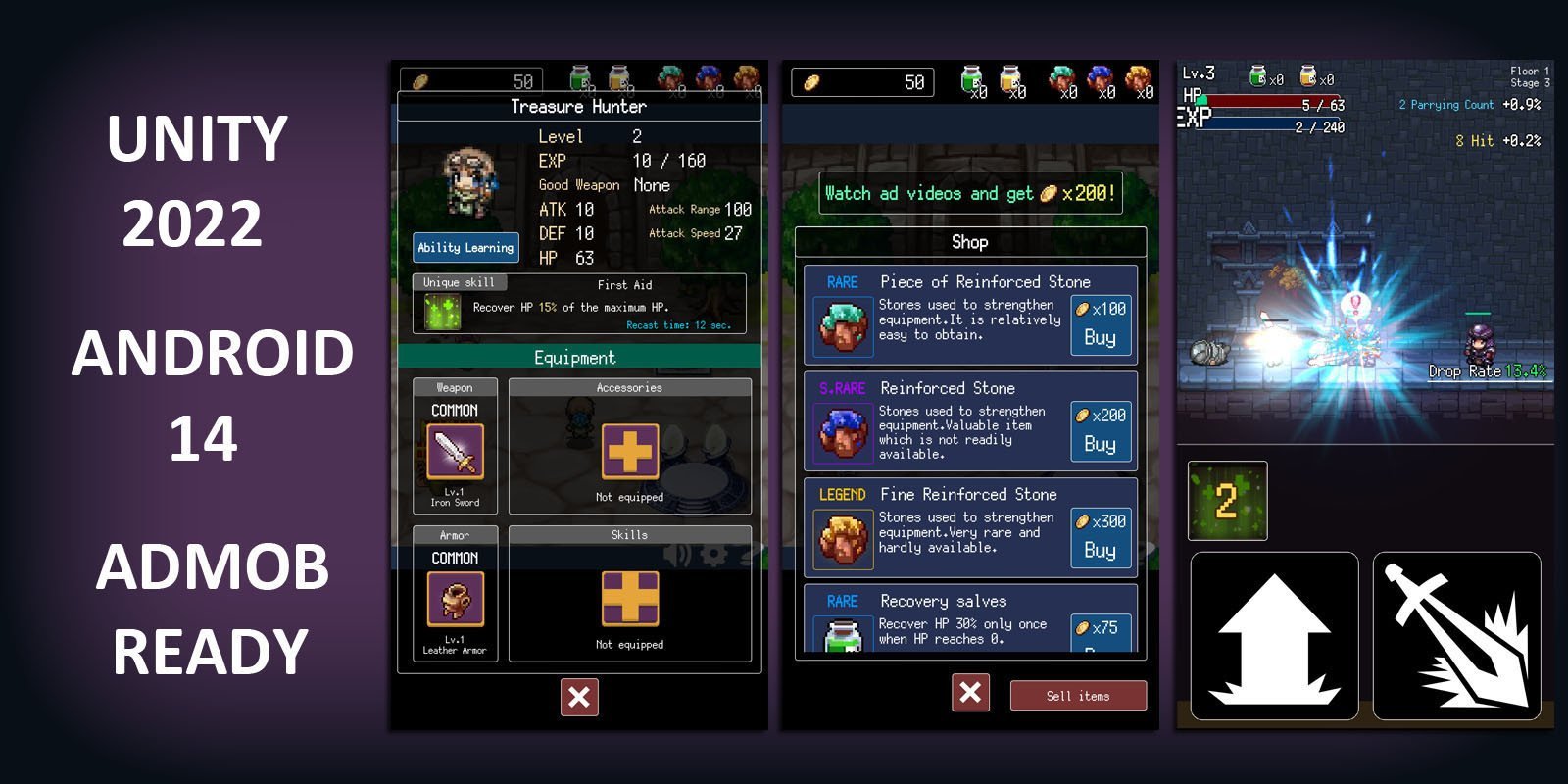
– Lot of power up items
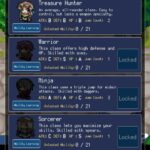
– Lot of jobs to try.
– Admob Interestitial , GDPR Consent Ready.
– Many characters and enemies,bosses .
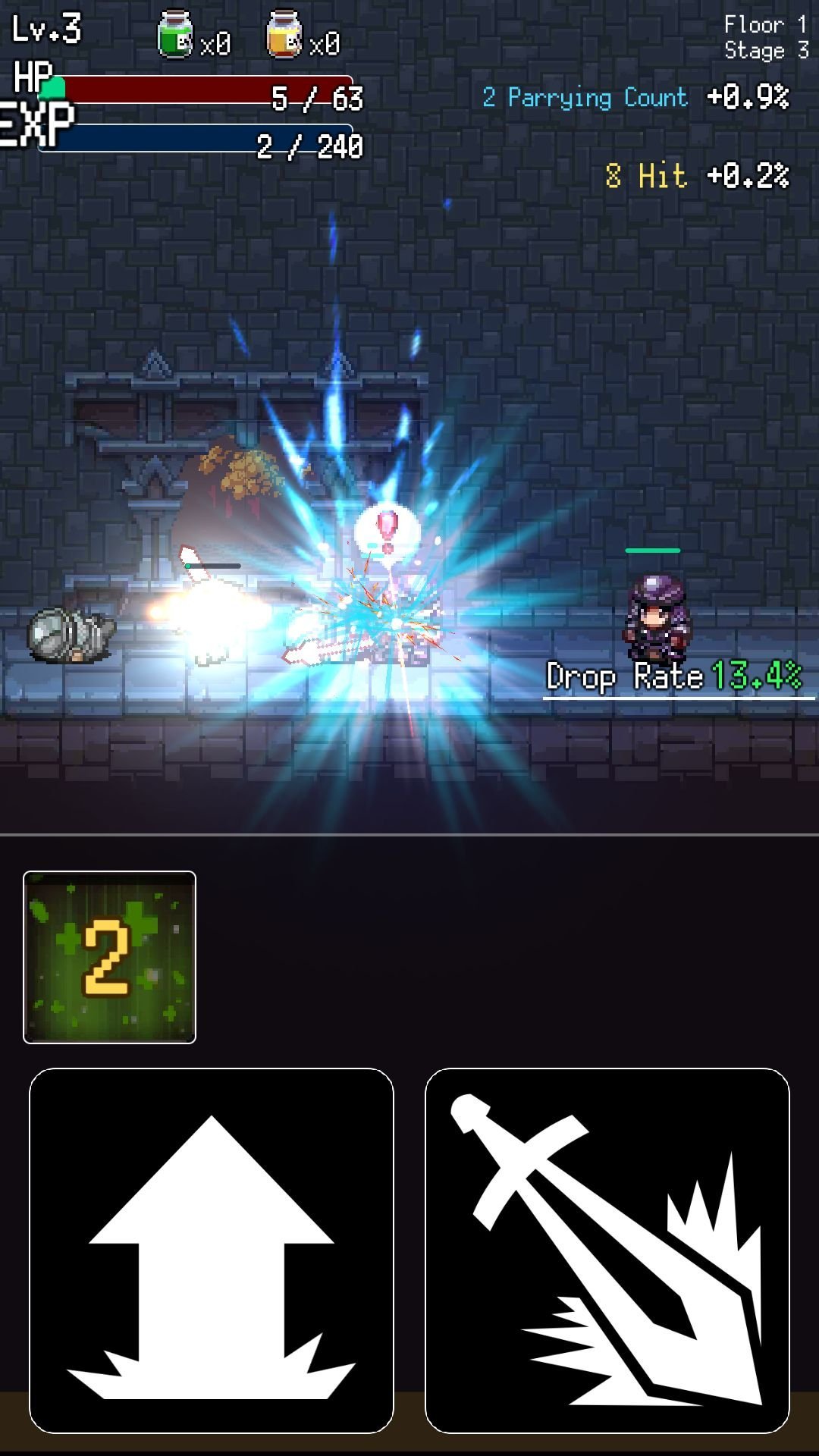
– Good performance for mobile.
– Android 14 support.
– Works on all platforms, PC, Mac, iOS, Android, etc
Requirements
Use with Unity 2022.3.17f1
Instructions
A. Structure:
This game has 3 scenes in build: Home,Main,Event located in Assets.
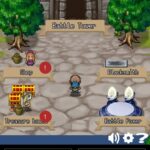
Home is where Game Menu shows, you can change UI,text,back ground there.
Event is where Game events shows, you can change UI,text,back ground there.
Main is where all gameplay runs, you can change UI,text,back ground, player position there.
B.Test your game: You can test your game by hit Play on Windows Editor or build apk to test on your phone. Remember we build this project with Unity 2022.3.17f1so you should run it with the same version or later.
C.Reskin:
Go to Assets/Sprites folder and edit all image there
Example:To change icon image Go to Assets/Sprites and find image name 1024.png -> then edit by your photoshop or other image editor and overwrite the old image with same size and same name.
And so you can change whatever you want because all graphics of this project is there.
D.How to edit sound:
Go to Assets/Sounds and edit them or replace them with yours
E.Replace your Admob id, Unity ads id
1.Get admob app id and ad id from your admob account
2. Find Admob Game Object in Assets folder. Select it. Look Inspector and fill your key




Reviews
There are no reviews yet.